Created Date:2023.05.08
Updated Date:2025.12.26
Are You Still Wasting Hours Manually Tracing Drawings?
In the architecture and manufacturing industries, converting scanned drawings to CAD (Vectorization) is a major bottleneck.
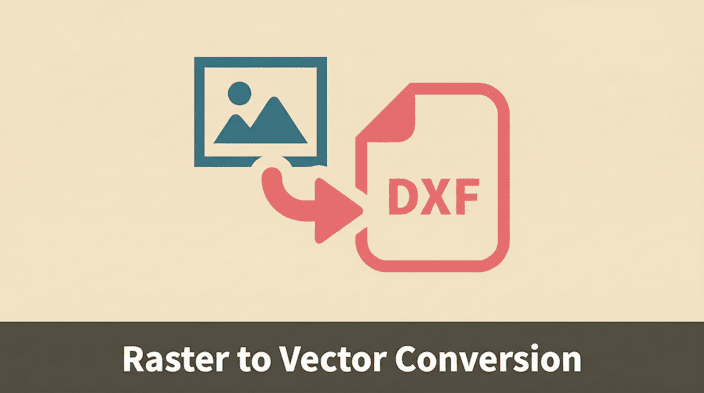
In the past, converting Raster (images) to Vector (CAD lines) required expensive software or hours of manual labor.
Today, thanks to advancements in AI (Artificial Intelligence) and Computer Vision, you can convert drawings instantly and accurately right in your browser.
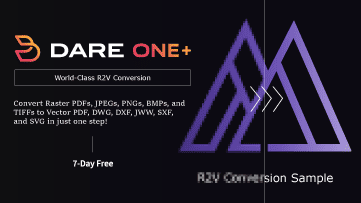
In this article, we demonstrate how to use "DARE ONE / Raster converter" an all-in-one CAD converter equipped with an AI recognition engine, to turn scanned drawings into fully editable CAD data (DWG/DXF).
>> Try DARE ONE Now <<
※ DARE account creation required.
過去の紙図面をスキャンしただけの画像データでは、CADで修正・再利用ができません。
DARE Scanner は、AI技術を用いてラスター画像をベクターCADデータへ自動変換します。
手書きの図面資産をデジタル化し、すぐに現場で活用できる状態へアップデートしましょう。
Have you ever used a free online converter or your CAD software's "Import PDF" feature, only to get a result that looks like a sticker image pasted onto your drawing? Or worse, a mess of broken lines?
The reason for this failure is simple: Most tools cannot distinguish between "Raster" and "Vector" data.
Key Rule: You must use a "Raster-to-Vector" engine for scanned files. Standard PDF converters only work for files originally exported from CAD.
For vector PDFs, you need to use a conversion service that supports vector conversion, and for raster PDFs, one that supports raster conversion.
PDFs come in two types. Understanding this is key to solving your problem.
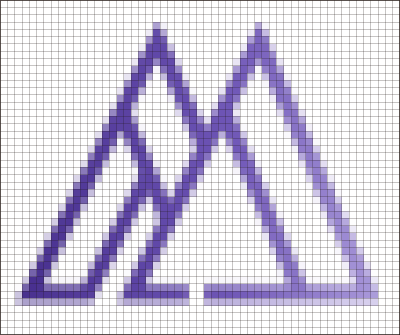
Raster data is a collection of colored dots (pixels). Scanned blueprints are Raster data.
They are great for photos but terrible for CAD.
If you zoom in, they become pixelated mosaics.
CAD software sees this as "one big picture," not as lines or geometry.
Examples: Scanned PDFs, Photos (JPEG), Illustrations (PNG).
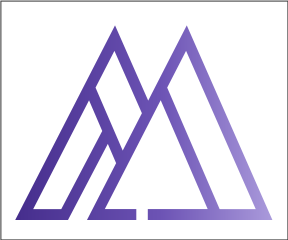
Vector data is made of math and coordinates. It defines "a line from point A to point B."
No matter how much you zoom in, the lines remain smooth.
This is the format required for editing in CAD.
Examples: PDFs exported directly from AutoCAD, SVG files.
When you search for "PDF to CAD," 99% of free tools only handle Vector PDFs.
Why? Because reconstructing mathematical lines (Vector) from a grid of dots (Raster) is incredibly difficult.
To a human eye, a black line on paper looks like a line. To a computer, it is just thousands of unconnected black dots.
While it is easy for the human brain to infer "coordinates (lines)" from a collection of raster "pixels (dots)," it is an extremely difficult task for a computer.
Traditional converters simply trace the dark pixels mechanically. Without AI, this "dumb tracing" leads to three major problems:
The result? A file that requires so much cleanup, you would have been faster redrawing it from scratch.
DARE ONE is not just a file format changer.
It is powered by a proprietary AI image recognition engine. It "reads" the drawing like a human engineer, distinguishing between text and geometry.
1. AI OCR: Converts Text to "Editable Text" This is the game-changer.
Standard converters turn text into outlines (polylines).
DARE ONE uses OCR (Optical Character Recognition) to identify characters. When you open the converted DXF in AutoCAD or Revit, the text remains a Text Object. You can double-click and edit the content immediately.
2. Centerline Tracing (CAD Optimized)
Illustration tools (like Adobe Illustrator) trace the outline of a line, creating double lines (hollow shapes).
This is useless for CAD. DARE ONE is optimized for engineering. It detects the line width and generates a single vector path along the center of the line. Walls and pipes become precise, single centerlines.
3. Jw_cad (JWW) Output Support
Beyond DXF, DARE can also deliver JWW files, so Jw_cad users can start editing immediately. Note: stains and dust on the original can be traced as geometry, so clean the sheet and scan in high-contrast black-and-white; delete any leftover artifacts in CAD after conversion.
"Does the AI actually work?"
Let's test it with a real mechanical drawing containing text and geometry.
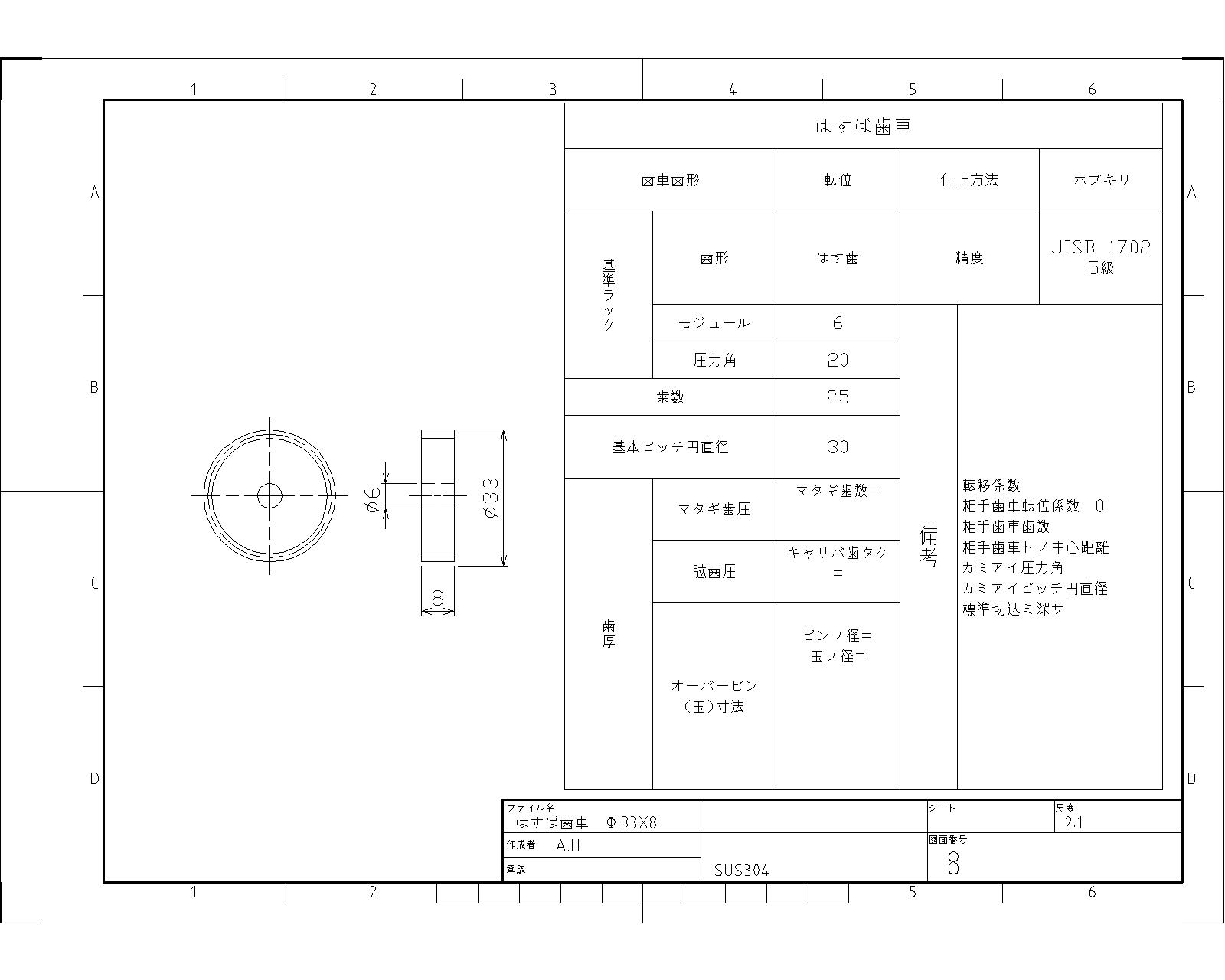
We upload this JPG to DARE ONE.
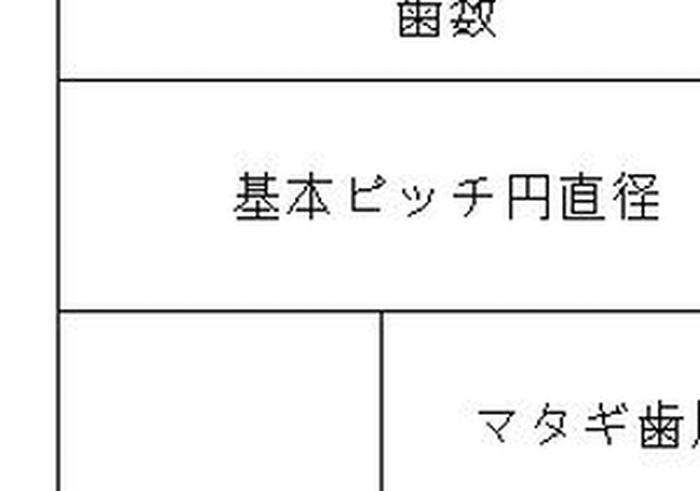
Since it is a Raster JPG, zooming in reveals blur and pixels. You cannot edit lines or text in CAD in this state.
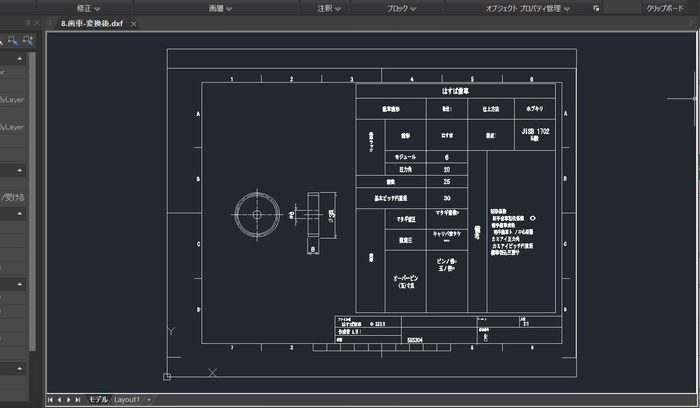
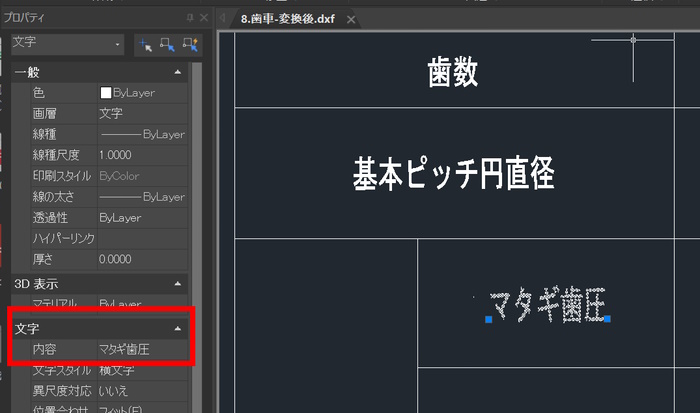
The result is a clean DXF file.
Both geometry and text are fully editable. Notice that the numbers are recognized as text objects, allowing for easy correction or translation.
DARE ONE is a browser-based web application.
No installation is required.
Log in to DARE ONE and drag & drop your file.
Standard images are sorted automatically. For PDFs, please select the correct tab manually:
Note: If you are unsure, try the "2D Convert" tab first for auto-detection. If that fails, switch to "Raster Convert".
Select the "Raster Convert" tab and click the "Convert" button.
Processing typically takes from a few seconds to a minute.
Key Options:
Output Method - Centerline:
Extracts the center of lines (Best for CAD/Architectural drawings).
Output Method - Outline:
Traces the edges (Best for Logos/Illustrations).
Conversion Mode:
Choose "Sharp" for high-contrast drawings or "Soft" to reduce jagged edges on low-res scans.
Once finished, download your DXF file. DARE ONE allows unlimited trial conversions (preview) and up to 3 downloads per free account.
For unlimited downloads and higher precision, check out the DARE ONE + 7-day free trial.
To get the most out of the AI, the quality of your source image matters.
Yes, absolutely.
You have full control over your data.
You can manually delete your uploaded drawings and converted files from your dashboard at any time. Once you have downloaded your files, simply use the delete function to remove them from our servers immediately.
It is compatible with almost all CAD software that supports DXF import, including AutoCAD, Vectorworks, Revit, and SketchUp.
Since DARE ONE adheres to universal DXF standards, compatibility issues between different software versions are minimized. (Note: For Japanese users, we also support Jw_cad format export.)
Yes.
While many converters struggle with character recognition, DARE ONE is developed by a Japanese CAD manufacturer and supports complex text recognition by default.
Our AI OCR engine is optimized not only for alphanumeric characters but also for Japanese characters (Kanji/Hiragana), ensuring high-precision text conversion and significantly reducing the need for manual corrections.
Yes.
DARE ONE is an all-in-one CAD conversion platform. In addition to scanning/raster conversion, we fully support 2D and 3D CAD file conversions.
You can easily convert various formats by switching between the conversion tabs.
Converting scanned drawings to CAD is no longer a manual job.
With DARE ONE, you get editable CAD data in clicks.
The ability to convert text via AI OCR offers a massive efficiency boost for any engineering workflow.
DARE ONE offers a free trial.
See the accuracy for yourself with your own drawings!